Install Eclipse
Download Eclipse using this link- 📥 Download Eclipse ↗
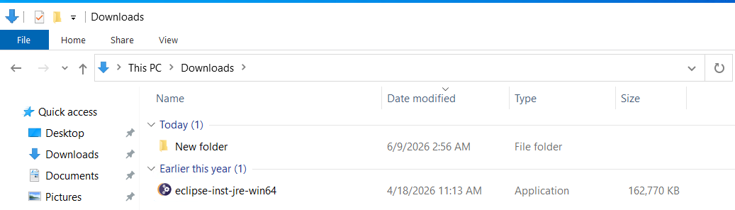
Double Click the Eclipse installation file which was downloaded.
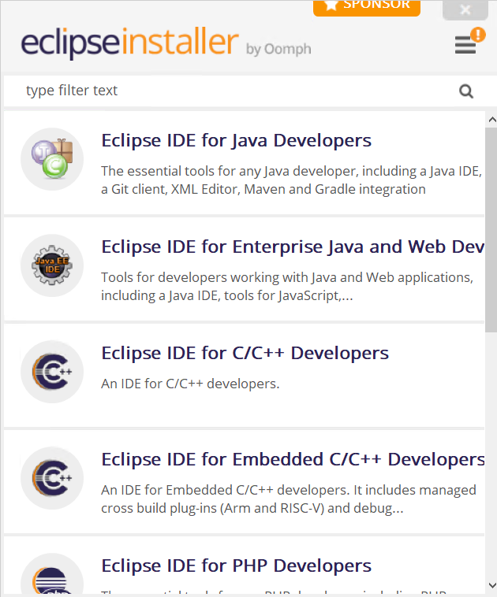
Select Eclipse IDE for JAVA Developers.
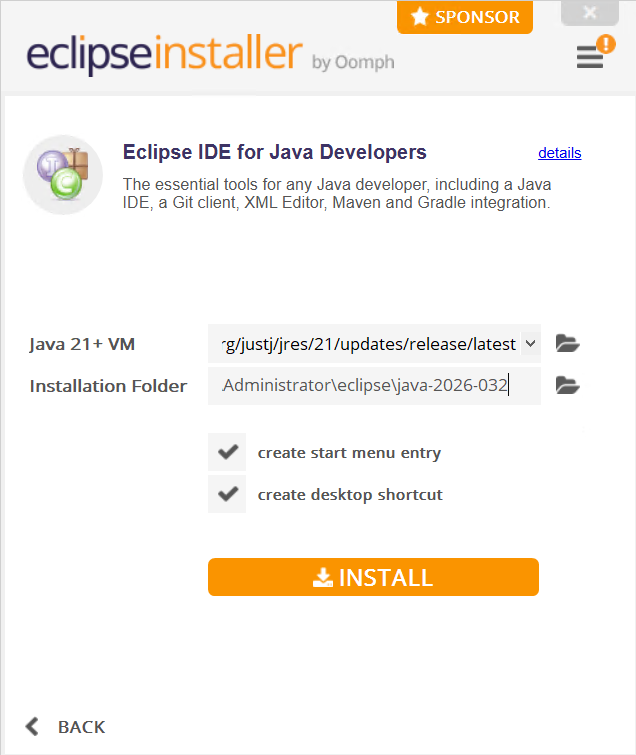
Install
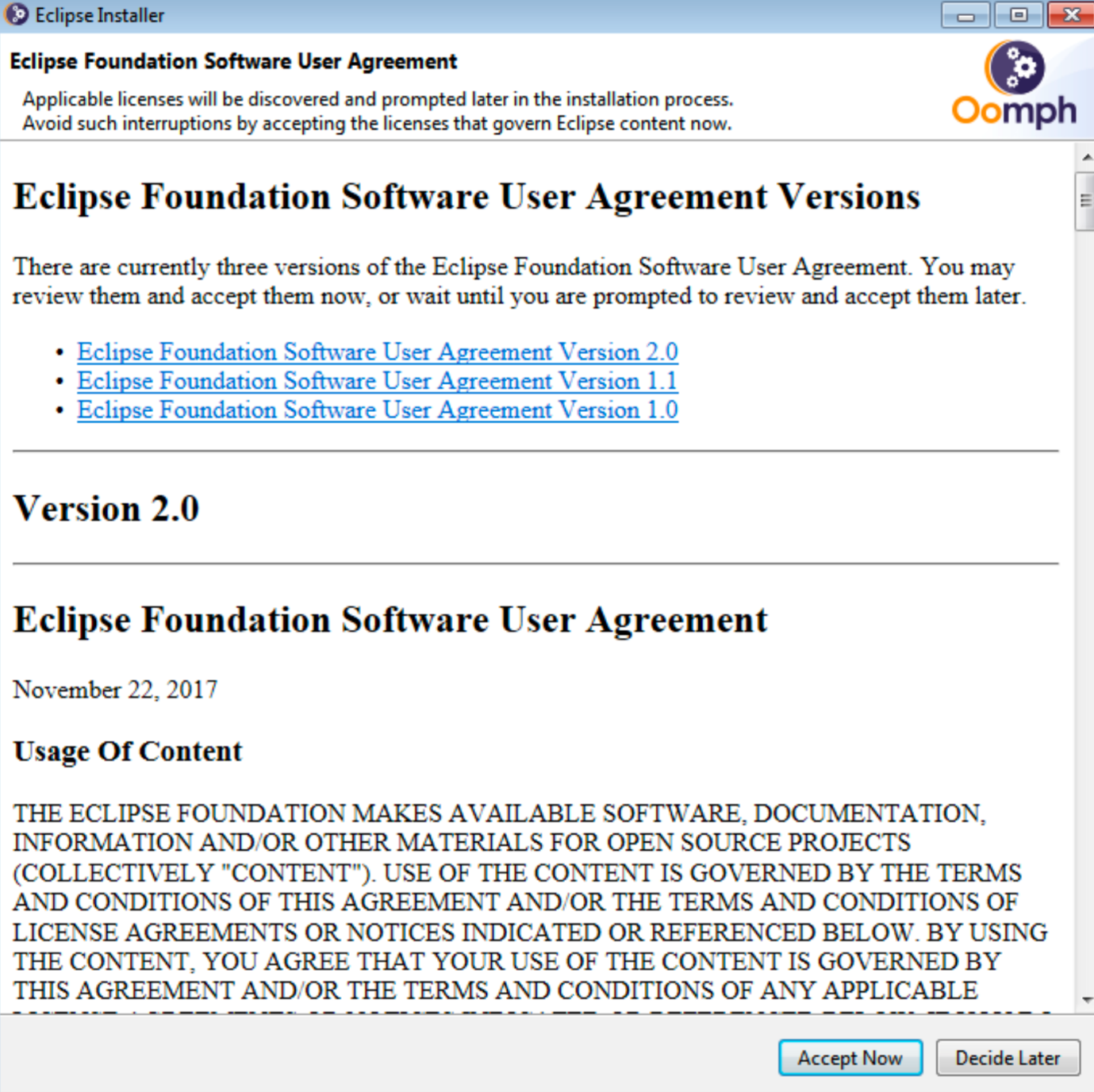
Accept the Terms and Conditions
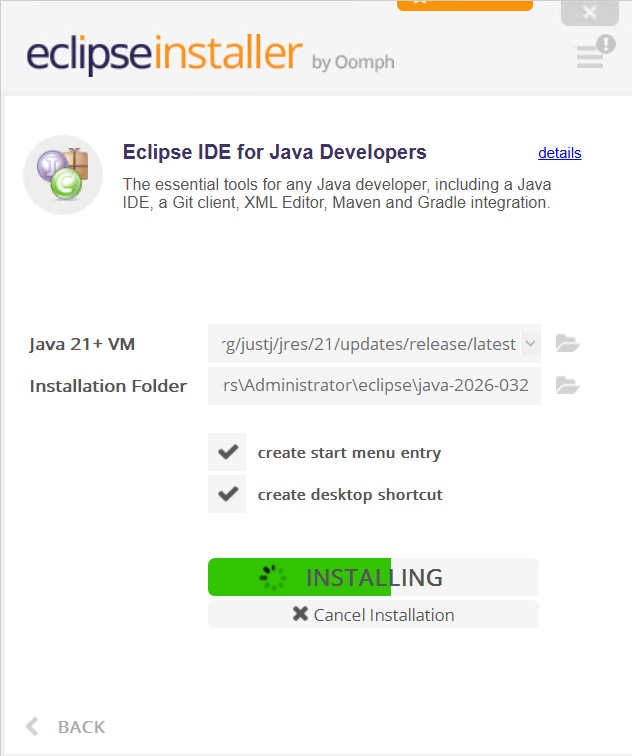
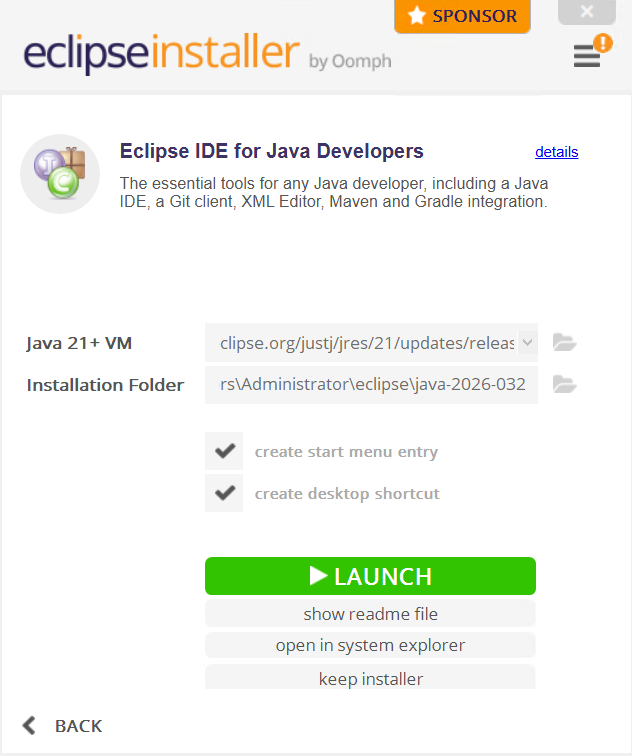
Once the Installation is complete, Launch the Eclipse
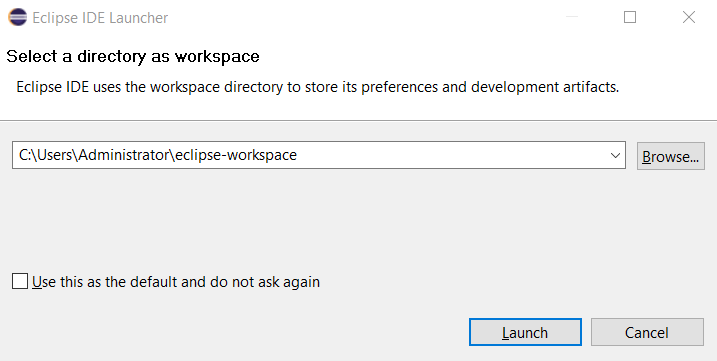
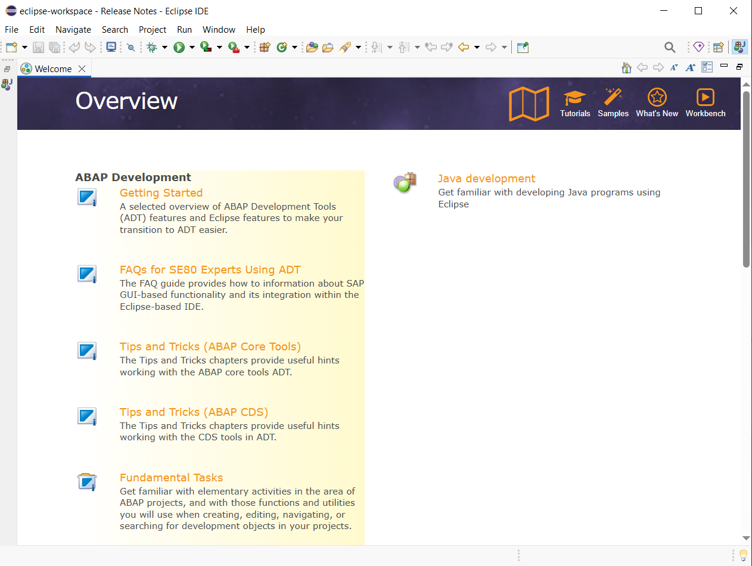
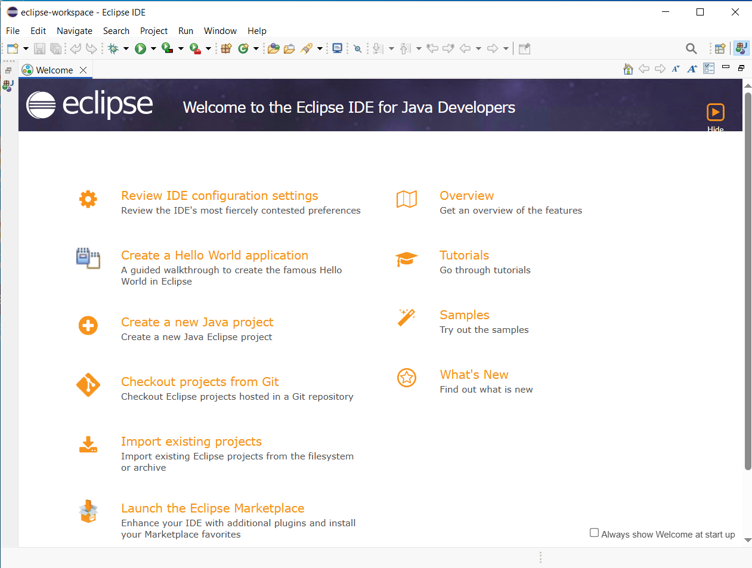
This is how the Eclipse should look once the Launch is complete.
Install ADT (ABAP Development Tool) in Eclipse
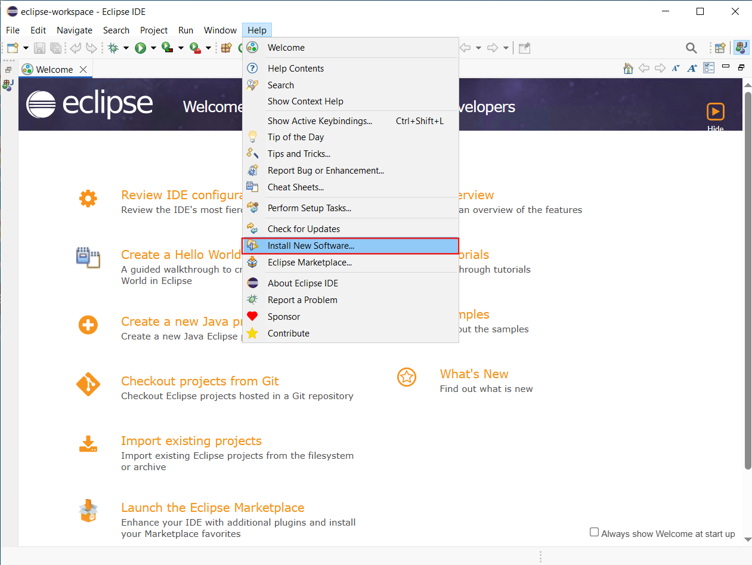
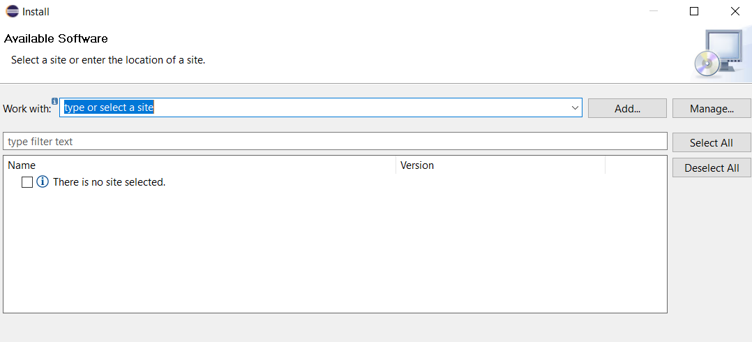
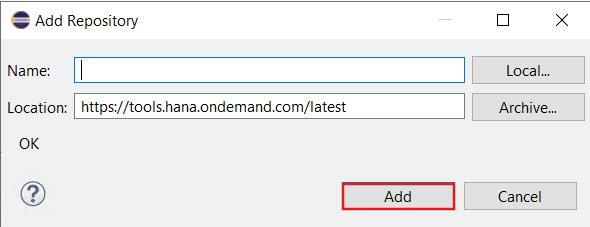
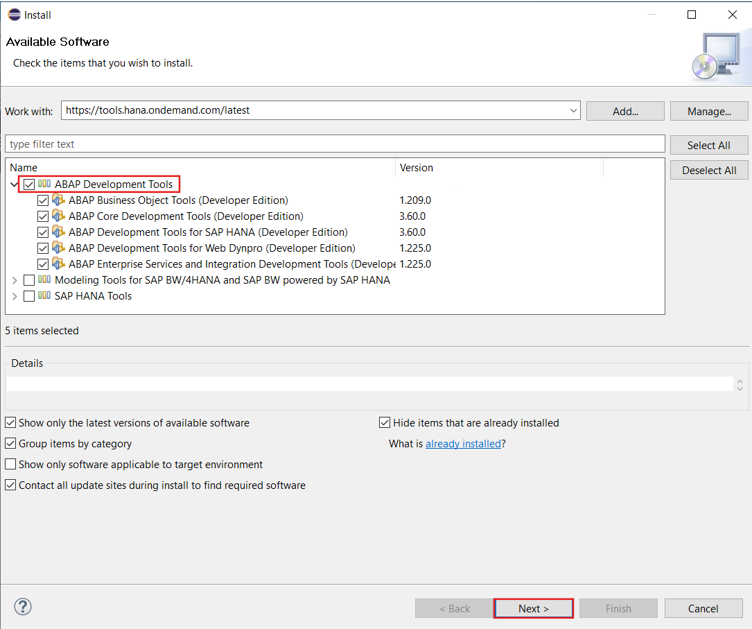
Enter the latest ADT URL https://tools.hana.ondemand.com/latest in the Work with section, press enter, select ABAP Development Tools and click Next.
https://tools.hana.ondemand.com/latest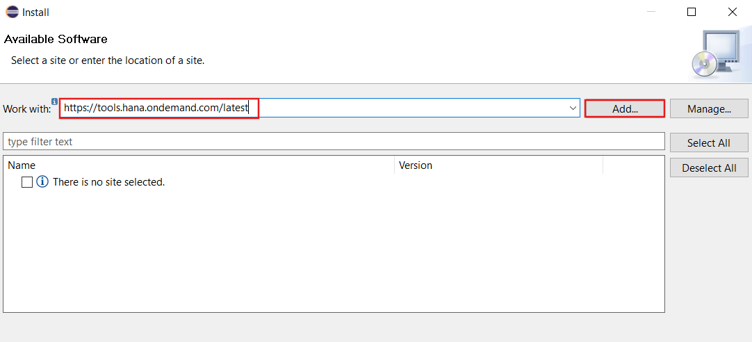
Select ABAP Development Tools and then click on Next
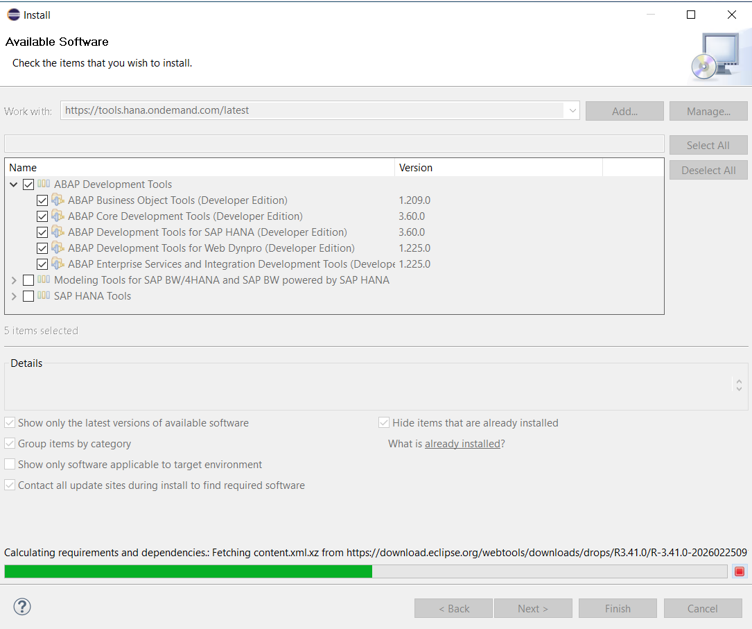
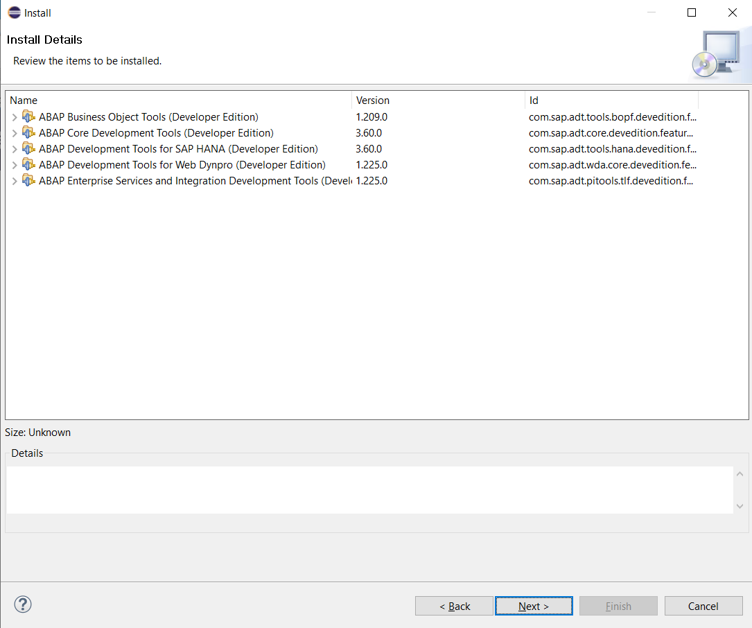
Accept and Finish
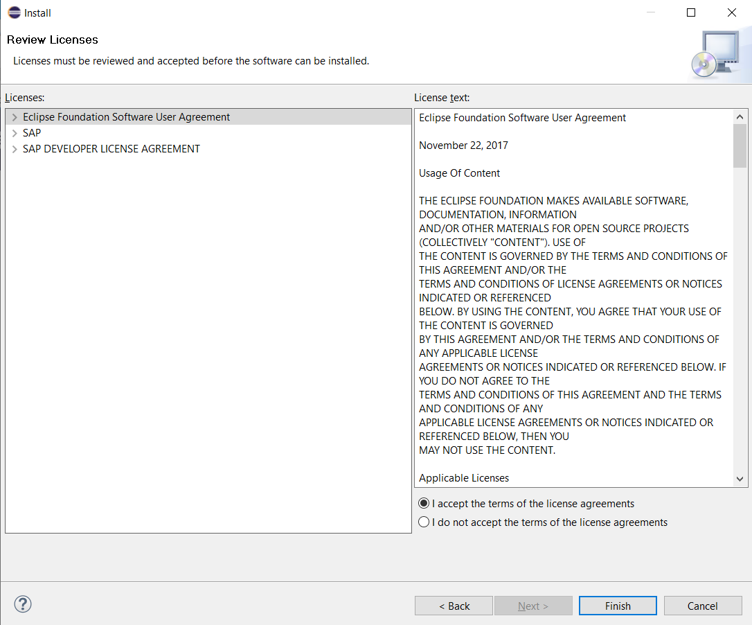
How to Configure SAP GUI
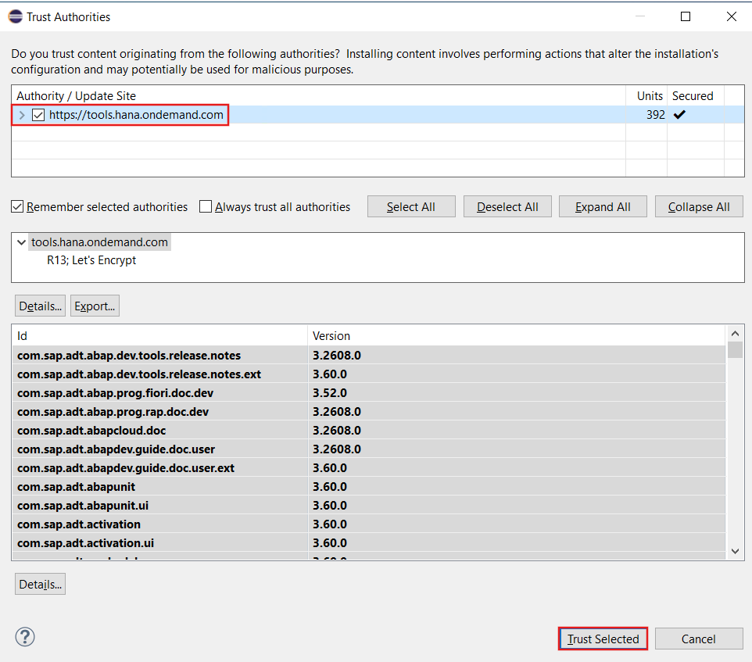
Select https://tools.hana.ondemand.com and click on Trust Selected
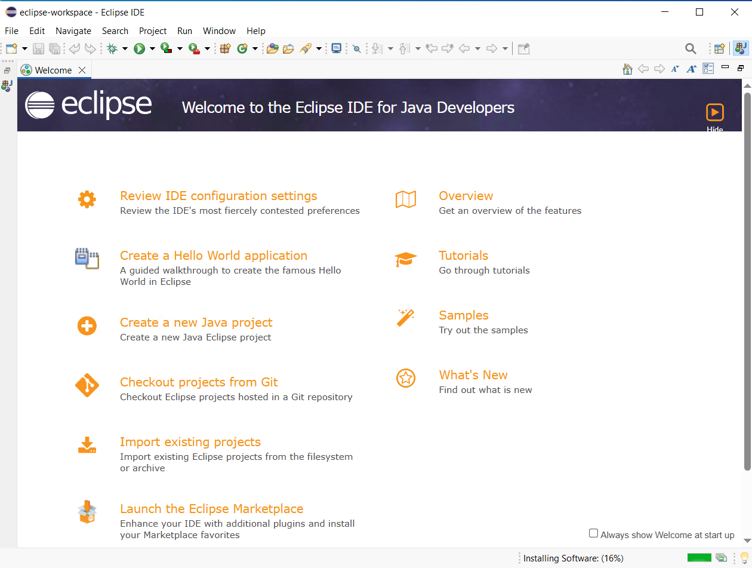
Hit Finish and check the progress at the bottom right corner.
Once it is complete, it will as ask to Restart Eclipse. Not Computer.
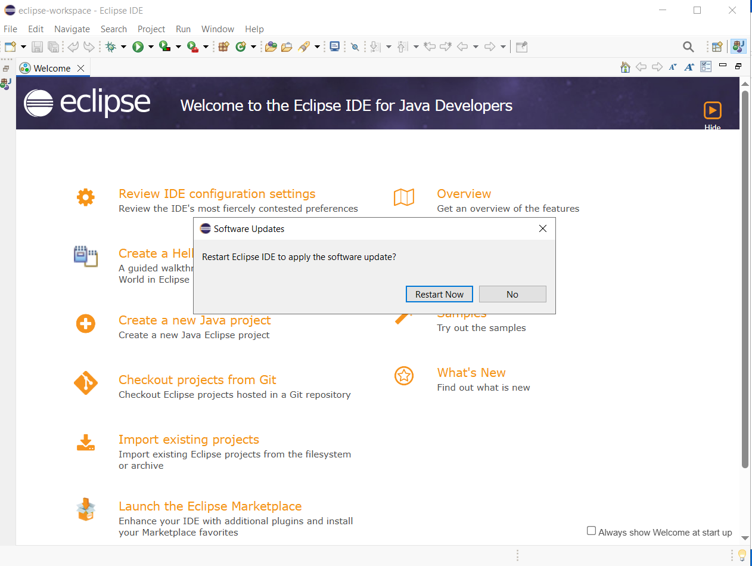
Wait for Eclipse to start again.